Copy a public Instagram username or profile link.
View accessible public Instagram Stories and Highlights by username or profile URL.
An Instagram Story Viewer lets visitors check currently accessible Stories and Highlights from public profiles without signing in with their own Instagram account.
Enter a public username or profile link to browse the media returned by the service. Availability depends on Instagram, the profile visibility, and any server authentication configured by the site owner.
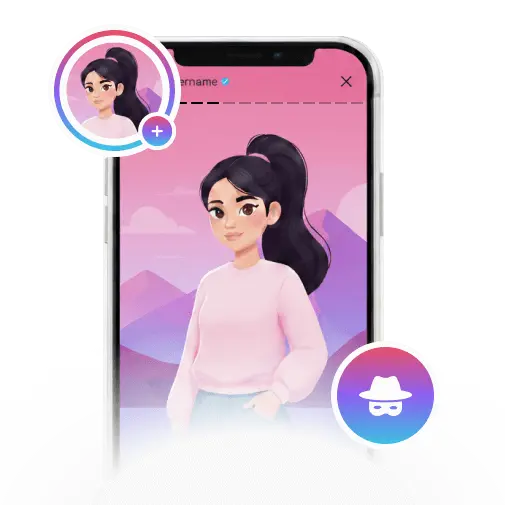
Copy a public Instagram username or profile link.
Paste it into the search box above.
Open the available Stories or Highlights returned by the viewer.

Visitors do not need to connect their own Instagram account.

Browse supported current Stories and available public Highlights.

Use a modern browser on phones, tablets, Macs, or PCs.

View media in the best quality made available by the source.

No visitor app installation or browser extension is required.
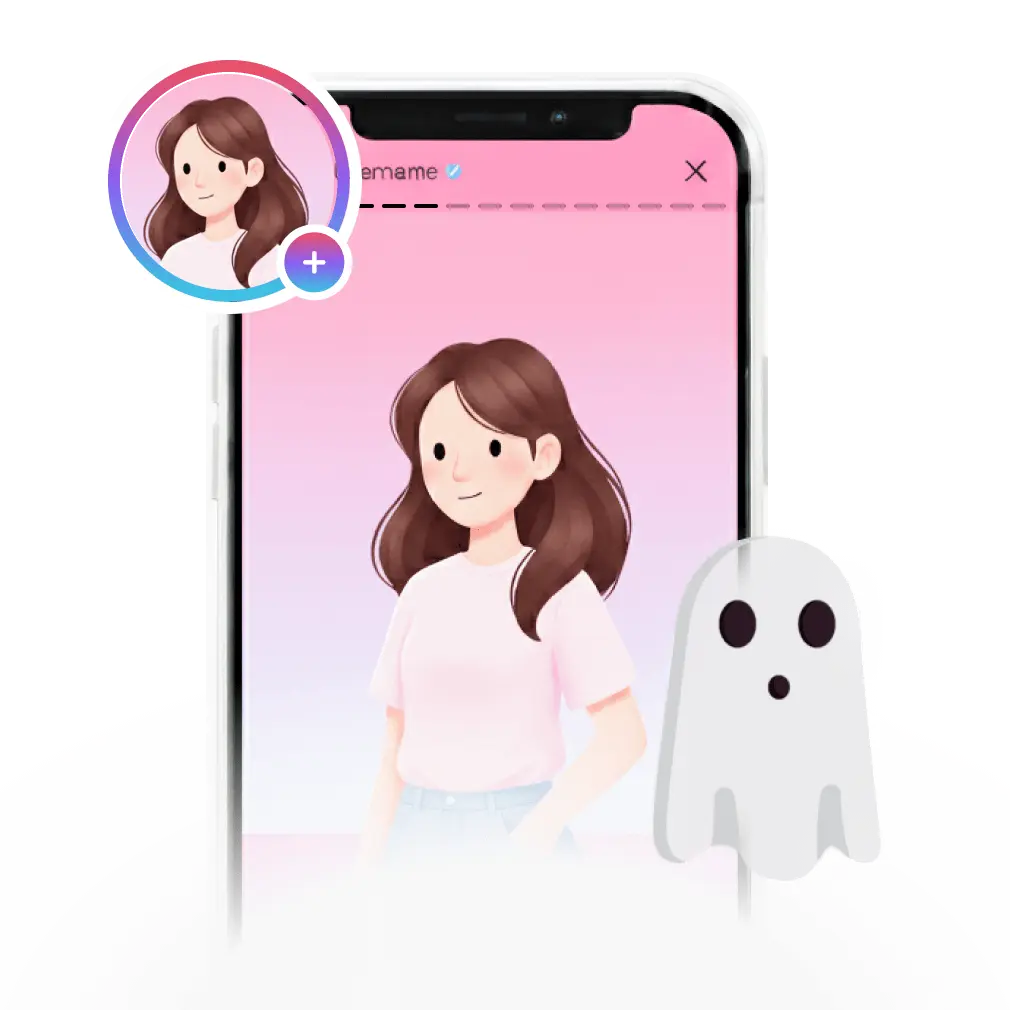
A Story Viewer offers a convenient way to check accessible public Stories and Highlights without linking your personal Instagram account to the website.
It works across devices and can also provide download options when the public media is available. Private or restricted accounts remain unsupported.
Story Viewer processes public Instagram links on the server and prepares available photos, videos, or audio for your device.
No. The tool works with public links that the server can access. Private or restricted media is not supported.

Visitors do not need to sign in on this page for accessible public profiles.
The site does not connect the visitor’s Instagram identity. Server-side access may still depend on the site configuration.
Yes. Use a current mobile browser on iPhone, Android, tablets, or desktop computers.
Available public Highlights can be shown when Instagram returns them to the service.
No. Private, restricted, expired, or unavailable content is not supported.
The public viewer does not ask visitors for an Instagram username and password.
Enter a public username or profile URL in the field above and submit the request.
Use the correct site address and never enter an Instagram password into the public search field.
The viewer uses the best quality available from the source; original upload quality can vary.
The public viewer can be used without a visitor subscription, subject to service availability.
A download option is shown when the returned public media can be saved by the service.
It may have expired, been deleted, become private, require authentication, or be blocked by Instagram.